All guides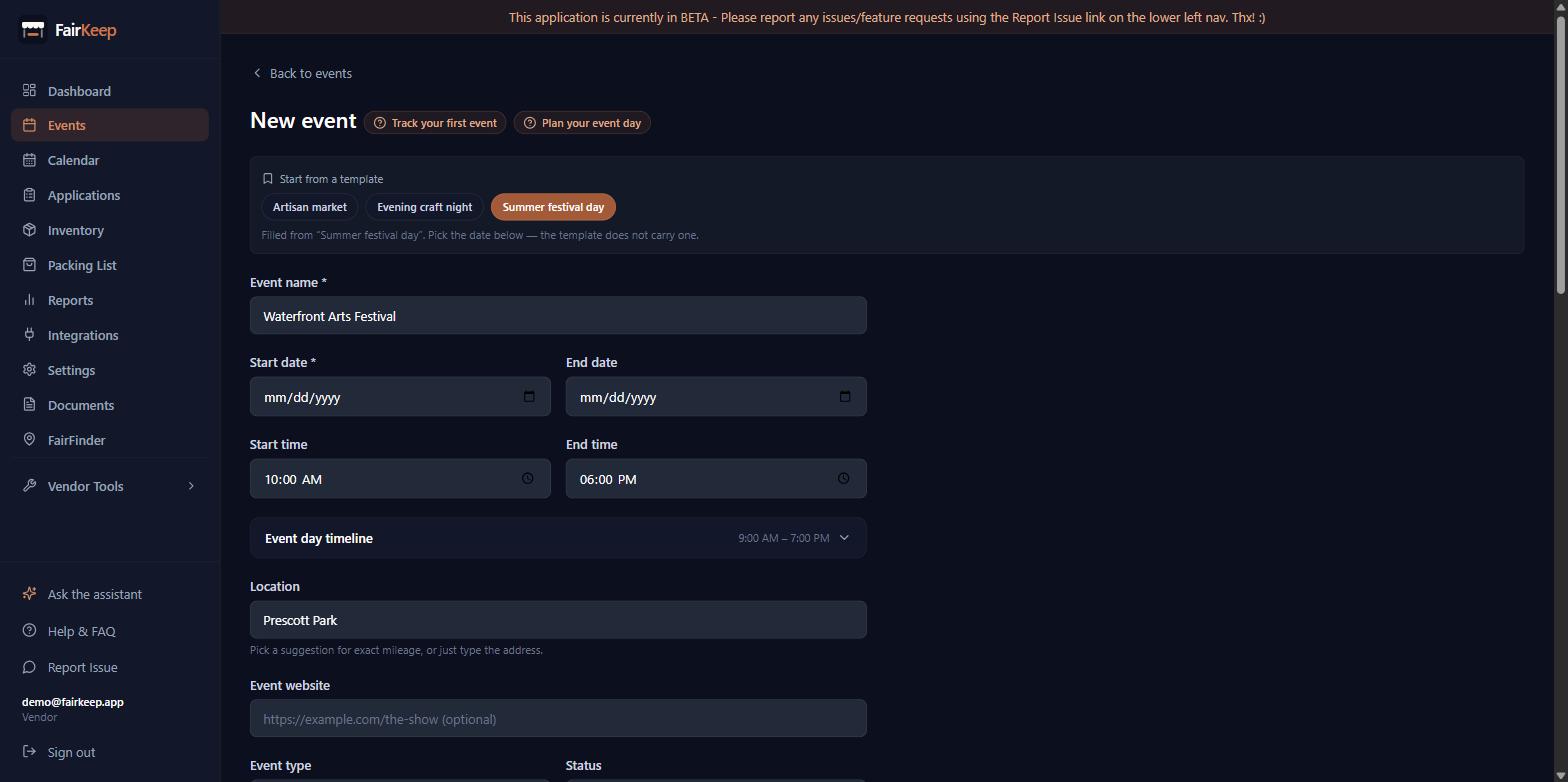
Events & Tracking
Save an event as a template
Store a show's setup under a name — venue, times, booth fee, drive — and start next year's event from it in one click.
- 1Open an event that is set up the way you want and click Save as template.
- 2Give it a name you will recognise later — "Farmers Market", "Big E day". The event title is filled in as a starting point.
- 3On any new event, the templates you have saved appear at the top as buttons. Click one to fill the form, then pick the date.
- 4A template never carries a date, a status, income or expenses — only the things that describe the market itself.
- 5To change a template: start an event from it, edit the details, then Save as template again under the same name. Saving over a name updates it rather than creating a second one.
- 6Rename or delete templates in Settings → Event Templates.
- 7Templates are independent of the event they came from — deleting last year's show does not delete the template.
Related guides
Repeat a show across a run of dates
Create the whole run at once — every other Saturday until November — instead of duplicating the same event a dozen times.
Track your first event
Learn how to log an event in FairKeep — from entering the show details before the event to filling in income and expenses afterwards.
Use sticky notes for recurring events
Write shared instructions once and have them appear automatically on every event in the same series — visible to you and your crew.